
Restaurant GBP Suspended on Opening Day
A restaurant's GBP was suspended at launch. What caused it, how the appeal was built, and what every new owner should do first. Google later reinstated the listing. Google decides timing; this case is one example, not a guaranteed timeline.

Pushpender Sodlan
Google Ads Partner (not GBP access) · GBP Recovery Specialist · Hundreds of cases managed
Quick Answer
Their Google Business Profile got flagged as suspicious right as they opened — probably because everything was new at once: new address, new phone, new website, new category. We filed a reinstatement appeal with supporting docs and completed video verification. Google later reinstated the listing. Google decides timing; this case is one example, not a guaranteed timeline. The lesson: set up your GBP before opening day, not after.
Key Takeaways
- ✓ Creating a GBP on opening day may draw closer scrutiny. A new address, a new number, and a new website close together may look like a fake listing to an automated filter.
- ✓ Video verification is one path Google may offer for a new restaurant listing. Have physical signage, the interior, and a utility bill ready. Google decides the outcome and the timing.
- ✓ Suspension appeals filed with supporting documents — lease agreement, business license, and timestamped photos — give a reviewer more to check than appeals submitted without attachments
- ✓ Set up your GBP before opening day so the listing is not brand new on the morning you launch.
The listing went down on opening day.
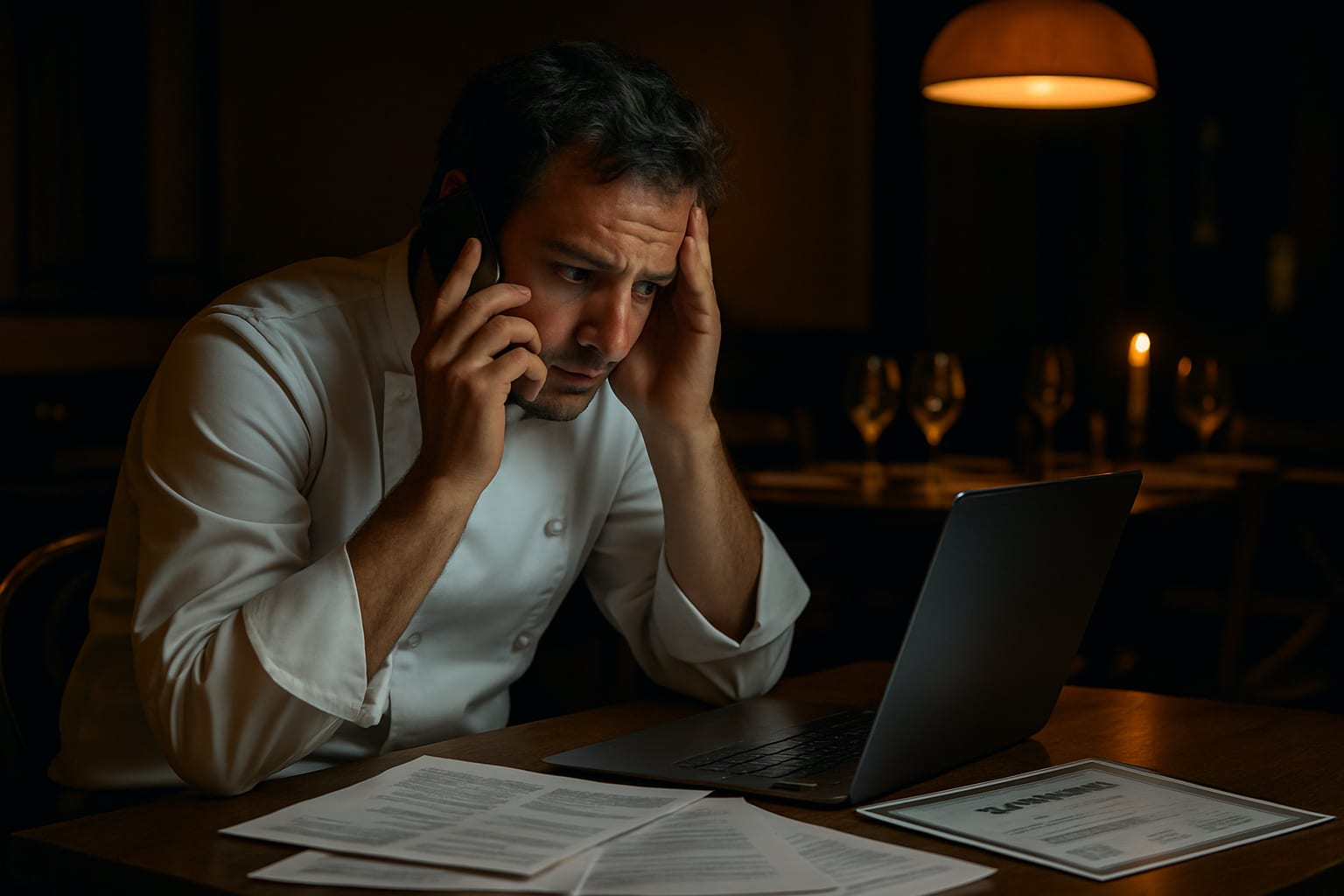
A restaurant owner in Austin, Texas — the owner — had spent eight months preparing for opening day. New signage. Staff hired. Local press coverage lined up. He’d even set up his Google Business Profile weeks in advance and watched it sit there, verified and ready.
Then, on the morning he opened his doors to his first customers, he checked his phone and saw it: “This Business Profile has been suspended.”
He found our number, called at once, and I picked up.
Why This Happens
Opening day suspensions are brutal because they hit at the worst possible moment. But they’re not random, and many can be recovered once the cited issue is fixed; Google decides.
Google’s automated systems flag Business Profiles constantly. The algorithm doesn’t know it’s your opening day. It doesn’t care that you’ve been planning this for two years. When certain signals trigger a review, the listing goes down — soon after the profile goes live.
What makes this particularly painful for new businesses is the timing. A restaurant that isn’t showing on Google Maps on launch day is essentially invisible to every customer searching nearby. One new restaurant missed covers over a weekend — one framed example, not a typical outcome — before you’ve had a chance to build any repeat customer base at all.
Causes we see
Across the hundreds of cases managed, new business suspensions tend to cluster around a handful of triggers. Knowing which one applies to your situation changes everything about how you approach recovery.
1. The profile was created too close to opening
Google’s systems treat brand-new listings differently. If a profile is created, verified, and at once starts generating activity — clicks, direction requests, calls — all within a short window, that pattern can look suspicious to automated systems built to catch fake listings.
2. The address doesn’t match what Google expects
This is probably the most common cause we see. The address on the profile doesn’t exactly match official records — a suite number is missing, the business name includes a city or keyword that makes it look like a spam listing, or the address resolves to a building Google has flagged before (shared office spaces, commercial kitchens, and co-working locations all fall into this category).
3. The category looks spammy
Some business categories carry heavier scrutiny. Restaurants, locksmiths, plumbers, legal services — these are high-abuse categories. A brand-new listing in these verticals gets looked at more closely.
4. The previous tenant had a suspended profile
This one catches people completely off guard. If another business operated from the same address and their profile was suspended or flagged for violations, Google sometimes inherits that association. You’re starting clean — but the address isn’t.
5. Verification was rushed or irregular
If you bypassed the standard verification path or your verification attempt triggered a review, your listing may have been flagged before it ever properly launched. Owners contact us who didn’t realise that how you verify matters as much as whether you verify.
Step-by-Step: What to Do
Don’t panic — but don’t just start clicking either. The worst thing you can do is appeal at once without understanding why the suspension happened.
Step 1: Identify the suspension type. There are two types: soft and hard. A soft suspension means the listing exists but isn’t publicly visible — you can still access it in Business Profile Manager. A hard suspension means the listing has been removed entirely. These require completely different responses. Filing the wrong appeal for the wrong suspension type wastes the first submission.
Step 2: Audit your profile before touching anything. Look at your business name, address, phone number, category, and website URL. Does every detail match your official business registration? Does your address format match exactly what appears on Google Maps? Even a missing “Suite” or an extra comma can be enough to trigger a re-review that goes the wrong way.
Step 3: Gather your documentation. For most restaurant suspensions, you’ll need: a valid business license showing the address, a utility bill for the location, photos of exterior signage, and sometimes a lease agreement. The more official documentation you can attach, the stronger the appeal. This isn’t bureaucratic box-ticking — Google’s reviewers need to be able to verify you’re a legitimate business at a real location.
Step 4: Submit through the correct channel. New businesses are typically better served by the Business Profile reinstatement form rather than generic support tickets. The channel you use, and how you structure the appeal, is what we check first. Vague appeals with minimal documentation leave a thin file. Google decides.
Step 5: Don’t create a duplicate listing. A mistake we see after a suspension: owners create a new profile to get back online — and that can make the file harder. Google decides. Google can remove both listings and flag the account.
How Long This Takes
Honestly? It varies.
A straightforward new business suspension with clean documentation is not a timeline we can promise. Google decides review timing; we can’t promise a timeline. If the appeal is rejected, or if there are complications with the address, or if verification is required again, it can take longer. Google decides.
In the cases we handle, we see this pattern constantly: the first appeal is rejected because the documentation is incomplete or the appeal letter doesn’t address the specific trigger. Then the owner submits again, slightly differently. Then again. Each cycle adds another wait. Google decides timing.
The faster path is getting the documentation and appeal right the first time.
An Anonymized Case Example
Back to the Austin restaurant. When we went through the profile, we spotted the issue.
His restaurant was in a mixed-use development where several other food businesses had operated over the past five years. One of those previous tenants had been suspended for keyword stuffing their business name — a different business, nothing to do with this restaurant, but the address carried the history.
On top of that, the owner had listed the business name with a neighbourhood reference appended to it — a common practice, and one Google’s spam systems can flag on restaurant listings.
We cleaned up the name, prepared a full documentation package including his Texas food service licence, a signed lease, and timestamped photos showing his signage up on opening day. We filed through the correct appeal channel and completed video verification. Google later reinstated the listing. Google decides timing; this case is one example, not a guaranteed timeline. You can read through similar case examples to get a sense of how these situations typically unfold.
He missed Maps visibility over the opening weekend. After reinstatement, the listing showed his hours, menu link, and photos. Google decides timing; this case is one example, not a guaranteed timeline.
What to Avoid
A few things that will make this harder:
- Don’t call Google’s general support line expecting a resolution. Frontline support agents don’t have the tools to override suspension decisions.
- Don’t delete and recreate the profile. Ever.
- Don’t start asking customers to leave reviews on a suspended listing. Review activity on a suspended profile can complicate reinstatement.
- Don’t assume rejection means permanent suspension. A denial, even a repeated one, doesn’t always end the case; Google decides. A rejection can mean the appeal needs more documentation or a different framing.
How We Can Help
If your Google Business Profile was suspended around opening — or at any point — the path forward is the same: understand the specific reason before you act, prepare proper documentation, and use the right appeal channel.
We’ve handled hard GBP suspensions for restaurants, cafés, food trucks, and hospitality businesses. We know which triggers affect new listings, how to handle address-history issues, and when video verification is the path Google is offering. Google decides timing.
Opening day suspensions feel catastrophic in the moment. Google decides whether the listing returns and when. Google decides timing; this case is one example, not a guaranteed timeline.
If your listing has disappeared or been suspended, the next step is a free case review before taking any action. Contact our team for a free case review.