
Case Example: Locksmith GBP Suspension Recovery — Los Angeles, CA
Outcome
Listing reinstated. Review history intact. Google decides the outcome. Google decides timing — this case is one example, not a guaranteed timeline
Case history
Google decides timing — this case is one example, not a guaranteed timeline

Pushpender Sodlan
Google Ads Partner (not GBP access)
GBP Recovery Specialist · Hundreds of cases managed
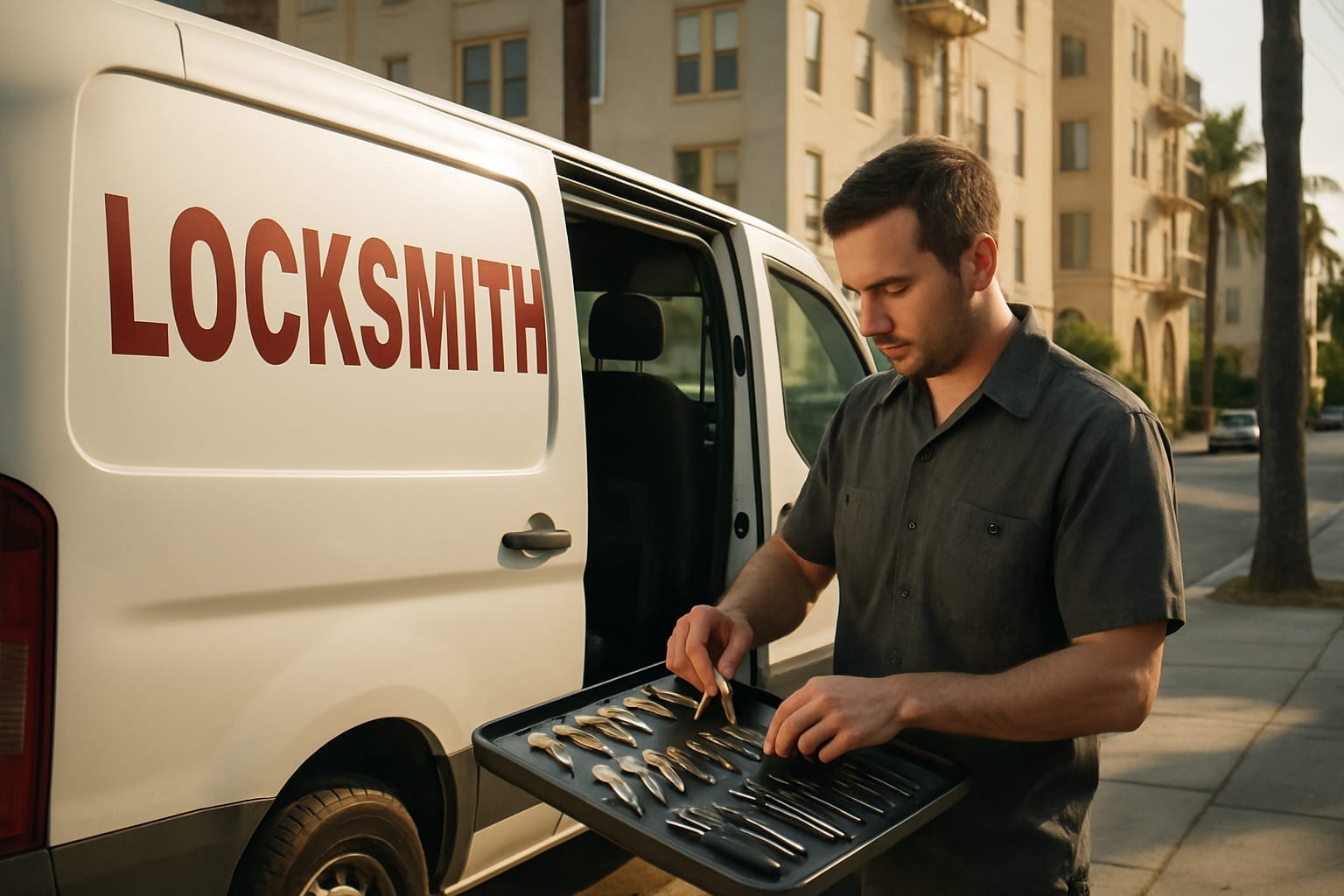
Case examples are anonymized and may combine details from similar cases. Names, numbers and identifying details are changed. They show our process, not a promised result; Google decides every outcome.
Case Summary
A Los Angeles locksmith's Google Business Profile was hard-suspended after a keyword in the business name and an over-extended service area. GBP Fixers corrected those fields and prepared the evidence file, including the BSIS locksmith license. Google reinstated the listing. Review history intact. Google decides the outcome.
Key Takeaways
- ✓ Locksmith businesses are one of the highest-scrutinized categories on Google due to widespread spam in the industry — even legitimate profiles face suspension without warning
- ✓ Service-area configurations and keyword-stuffed business names are common suspension triggers for LA locksmiths and must be corrected before any reinstatement request is filed
- ✓ Submitting a reinstatement appeal without first resolving the root policy violation usually leads to another denial
- ✓ Offline proof of operations — a BSIS locksmith license, insurance, and utility bills — gives a reviewer documents to check. It does not speed Google's review.
Marco had been running his locksmith business out of the same Koreatown address for six years. Forty-one Google reviews, and a profile that consistently ranked in the local 3-pack for “locksmith Los Angeles” and “emergency lockout service near me.” Then one Tuesday morning he opened Google Maps, searched his own business name, and found nothing. The profile was gone — or more precisely, it was suspended. He refreshed the page three times before it sank in.
By the time he called us, it had been four days. Four days of his phone sitting quiet during hours when it normally rang constantly. His Google Business Profile had been driving many of his leads — emergency lockouts, car key replacements, commercial rekeying. That was gone. Every day offline meant missed calls.
If you want to see how other suspension cases like this one have played out, see all case examples — the pattern across industries is instructive, but locksmith suspensions have their own specific characteristics worth understanding.
Why the Suspension Happened
Locksmith is one of the most heavily scrutinised categories on Google Business Profile. That’s not an accident — it’s a direct response to years of widespread fraud in the industry. Fake locksmith listings, fabricated addresses, lead-gen operations masquerading as local businesses, and bait-and-switch pricing scams caused real harm to consumers across the US. In our experience, the category is reviewed closely.
We see this pattern with locksmith businesses constantly. In our experience, a legitimate locksmith can be reviewed under the same rules as fraudulent listings. Service-area settings and keyword-heavy business names are common flags in this category, and the suspension notice can arrive before the owner has a clear explanation.
Marco’s situation fit this profile precisely. His listing had been optimised over time — probably by a previous SEO contractor — and that optimisation had introduced two problems. His business name in the profile included the phrase “24/7 Emergency” appended to his actual trading name, which Google’s guidelines prohibit. His service area settings had also been expanded to cover the entire Los Angeles metro, which looks identical to what fraudulent operations do. Neither issue made him a bad actor. Both issues made his profile look like one.
Our Assessment
When Marco sent us his profile details and dashboard screenshots, the name issue was visible at once. The service area over-extension took a few more minutes to confirm through his profile history, but it was there.
What made this case more complicated than it first appeared was the address situation. Marco operated from a commercial address in Koreatown, but he’d enabled the “hide address” option — a setting that’s completely legitimate for service-area businesses, but one that adds friction to any reinstatement appeal because it removes one of Google’s primary verification anchors. We had to build the evidence package around documentation that could establish physical presence without relying on a publicly visible address. That narrowed our options.
The clean part of the profile: the review history was intact and not at risk of being wiped, his photos were legitimate and original, and there was no history of policy strikes against the account. This was a first-time automated suspension. That shaped how we prepared the file.
The Recovery Process
The first decision was whether to go through the standard reinstatement request form or to contact Google Business Profile support through its public Help channel (the same route any owner can use). Given the specific combination of issues — name violation, service area problem, hidden address — the standard form alone rarely resolves these. We needed human review, which means building a package compelling enough that a reviewer can say yes with confidence.
We cleaned the profile first before submitting anything. Marco’s business name was corrected to his actual registered trading name, no added keywords. The service area was reduced to a realistic radius covering Koreatown, Mid-Wilshire, Silver Lake, and the immediate surrounding neighbourhoods — areas he could genuinely serve as a one-person operation with a van. We didn’t touch anything else. Making multiple changes at the same time can obscure what caused the suspension. A profile that looks recently changed may draw closer scrutiny. Google doesn’t publish how those checks work.
The evidence package we assembled included:
- A copy of his BSIS locksmith license. California locksmiths are licensed by the Bureau of Security and Investigative Services. CSLB classification C-28 is Lock and Security Equipment, not the locksmith license.
- His business bank statements showing transactions under his business name at the Koreatown address over the preceding six months
- The lease agreement for his commercial unit, with address, tenant name, and landlord signature visible
- A signed utility bill for the business premises (gas account, most recent statement)
- A screenshot of his locksmith license on the BSIS public lookup, which a reviewer can check independently
We also wrote a cover statement — not a template, a specific factual explanation of what the profile had contained that violated guidelines, confirmation that those elements had been corrected, and a clear description of how the business operated. Short. No pleading. Factual.
The appeal was submitted through the support chat channel with screen-sharing to show the corrected profile in real time, then followed up with a formal email to the GBP support team attaching the full documentation package as a PDF.
What we did
Step — Marco contacted us. Profile review completed. Name violation and service-area over-extension confirmed as primary triggers. Hidden address flagged as complicating factor.
Step — Profile corrections made: business name updated, service area reduced. Documentation request sent to Marco: contractor licence, lease, utility bill, bank statements.
Step — Documents received. Bank statements required a second pass — the first set he sent showed personal account transactions mixed with business. We asked specifically for the business account statements. Delay of about half a day.
Step — Full evidence package compiled and reviewed. Cover statement drafted and approved by Marco. Appeal submitted via support chat with documentation attached.
Step — Automated acknowledgement received. No human response yet.
Step — No movement. Expected at this point. Locksmith cases can sit longer in review. Google decides timing. We submitted a follow-up through the support email channel referencing the original case number.
Step — Support response requesting additional verification: specifically, a photo of the business exterior showing address signage or a business sign. Marco sent the photo after that — a clear photo of the entrance to his commercial unit with the unit number visible.
Step — Waiting. This is the hardest part for business owners. Marco texted twice. We’d seen this timeline before — additional document requests sometimes come before a decision. Google decides timing.
Step — Profile status changed from “Suspended” to “Under Review.”
Step — Profile reinstated. Live on Maps by 11am.
The Business Impact
While the listing was down, bookings that used to come from Maps did not. Customers who called competitors during that period sometimes became repeat customers of those competitors, which is a real downstream loss in the locksmith trade. Google decides timing — this case is one example, not a guaranteed timeline.
The review history was preserved, which mattered. A profile with that review history takes years to build in a competitive market like Los Angeles. Had he waited another two weeks — or tried to resolve this without understanding the specific documentation requirements — there was a real risk the profile could have faced further action, or that he might have attempted to create a duplicate listing out of frustration, which would have made the situation significantly worse.
When the profile came back live, the owner called. For a solo operator, a suspended profile is the business going dark.
What Locksmith Businesses Should Know
Your category is under permanent elevated scrutiny. Expect locksmith scrutiny to continue. Enforcement has become more consistent over time. Any signal that resembles fraudulent listing behaviour — keyword-stuffed names, implausibly large service areas, virtual office addresses — may trigger automated review. Build your profile to look exactly like what you are, not like what you want to rank for.
Keep your documentation current and accessible. If you’re a licensed locksmith in California, your BSIS locksmith licence, lease or proof of address, and a business bank account statement should be in a folder ready to go at any time. Documents do not speed Google’s review. The owners who are best prepared are the ones who can produce clean documentation when the case starts.
Do not create a new listing while your original is suspended. This is the most common mistake we see after the initial panic sets in. Creating a duplicate listing during an active suspension can result in both listings being removed and can create a reinstatement case that takes weeks longer to resolve.
Name your business what it’s actually called. Not “[Your City] Emergency 24/7 Fast Locksmith.” Your registered business name, as it appears on your licence and bank account. Keyword additions in the business name field are a policy violation Google takes seriously in this category specifically.
If your locksmith profile is suspended right now, the recovery path exists — but it requires the right documentation and the right appeal structure. You can learn more about our recovery service and what the process involves for service-area businesses in regulated categories. When you’re ready to get eyes on your specific situation, request a free case review and we can tell you what the notice shows and which documents are missing. Google decides.
Timeline Summary
| Step | Action |
|---|---|
| — | Case assessment completed. Name violation and service-area over-extension identified as primary triggers. Hidden address flagged as complicating factor. |
| — | Profile corrections applied. Documentation request issued to client. |
| — | Documents received. Business bank statements required second request — personal/business accounts were mixed. |
| — | Evidence package finalised. Appeal submitted via support chat with full documentation. |
| — | Automated acknowledgement received. |
| — | No movement. Follow-up submitted via support email referencing original case number. |
| — | Google requested exterior photo of business premises showing address signage. Photo submitted after the request. |
| — | Waiting period. Profile status unchanged. |
| — | Profile status changed to “Under Review.” |
| — | Profile reinstated. Live on Google Maps by 11am. |
Case Classification
Problem type: Hard Suspension — High-Risk Category (Keyword Business Name + Over-extended Service Area)
Suspension classification: Hard Suspension — Service Area Business
Timing: Google decides timing — this case is one example, not a guaranteed timeline.
One case example. Google decides timing; not a guaranteed timeline.
Related Intelligence
This case reflects patterns documented in the GBP Fixers intelligence research:
- GBP Suspension Patterns 2026 — how high-risk service categories face elevated automated scrutiny, and why keyword-stuffed business names are one of the most consistent suspension triggers in the locksmith and contractor space
We do not publish outcome rates.
Related Cases
Similar suspension cases handled by GBP Fixers:
- Locksmith: Hard Suspension Recovery — London, UK
- Electrician: Hard Suspension Recovery — Las Vegas, NV
- Plumber: Three Reinstatement Denials — Houston, TX
- HVAC: Suspension + Video Verification — Phoenix, AZ
This case was handled by the GBP Fixers recovery team. Client details have been anonymised.
Frequently Asked Questions
Why do locksmith businesses get their Google Business Profile suspended so often? +
How long does it take to reinstate a suspended locksmith GBP listing in Los Angeles? +
What documents does Google require to reinstate a suspended locksmith listing? +
Can a locksmith lose their Google reviews when their GBP is suspended? +
Should a locksmith try to reinstate their Google Business Profile on their own or hire a specialist? +
More Recovery Case Examples
Competitor Fake Review Attack Suppressed a Miami Restaurant's GBP — How the Reviews Were Reported
Garage Door · Denver, COGarage Door Company Resolves Google Business Profile Video Verification Failure — Denver, CO
Accounting Firm · Columbus, OHAccounting Firm GBP Suspension After a Virtual Office Move — Columbus, OH
Pushpender Sodlan
Google Ads Partner (not GBP access)
GBP Recovery Specialist · Founder, GBP Fixers
Pushpender has personally led the management of many suspended Google Business Profile cases. He works with business owners to prepare guideline-aligned appeals. Google decides whether a listing returns. The workflows documented in this case example reflect his team's process.
LinkedIn · Connectively · About the author · All case examples